
Step 1: Choose Account Type
- Select Personal Account as your account type.
- Click Continue to proceed.
.png?width=303&height=298&name=image%20(1).png)
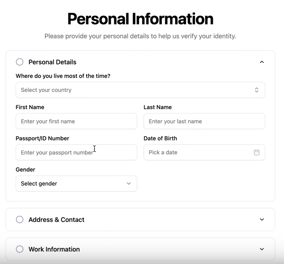
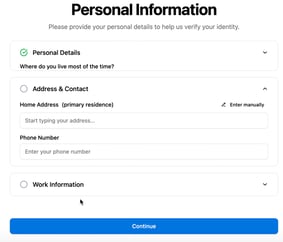
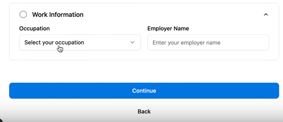
Step 2: Enter Personal Information
- Fill in your personal details in the required fields.
- For your address:
- Start typing your address and select it from the dropdown list.
- If your address does not appear, click Enter Manually and add the details.
- Once all fields are complete, click Continue.
- If any information is missing, you’ll see a red message indicating which field needs attention.
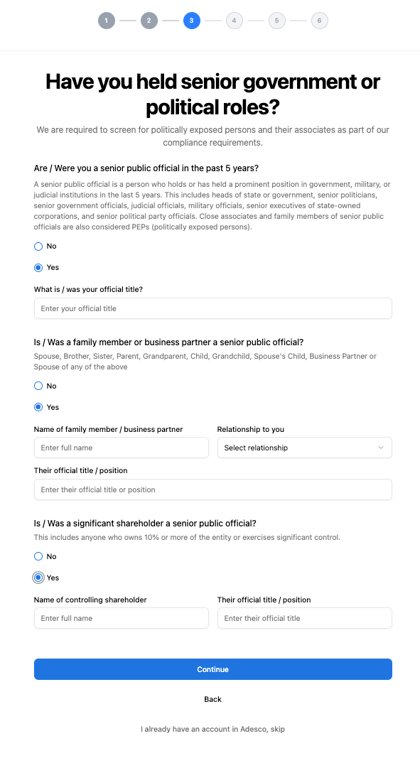
Step 3:Answer Compliance Questions
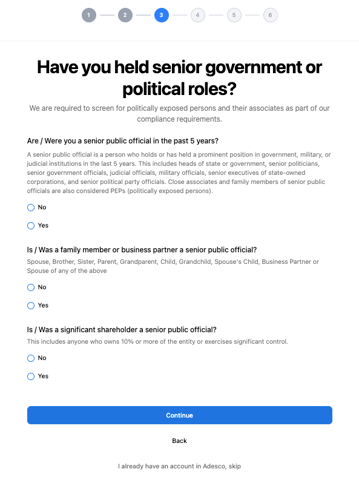
- Respond to compliance questions regarding political exposure.
- Confirm whether you or any close relative has held a political position or public function.
- Click Continue.
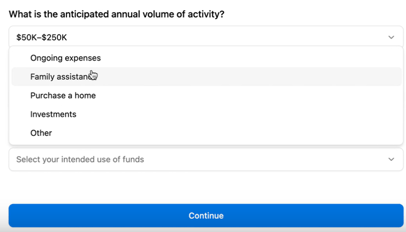
Step 4: Describe Your Intended Use
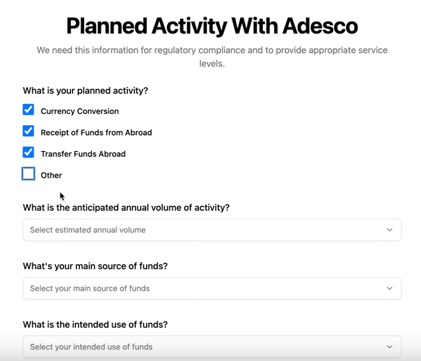
- Specify how you plan to use Adesco:
- Select the activities you intend to perform.
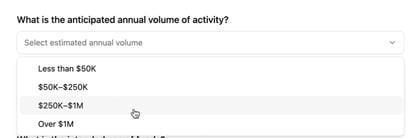
- Choose your expected yearly amount.
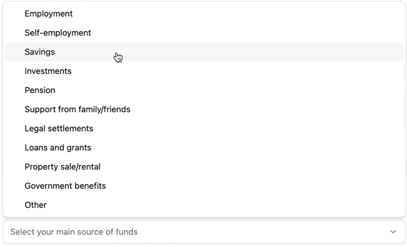
- Indicate your main source of funds.
- Provide your anticipated annual volume of activity.
- Click Continue.
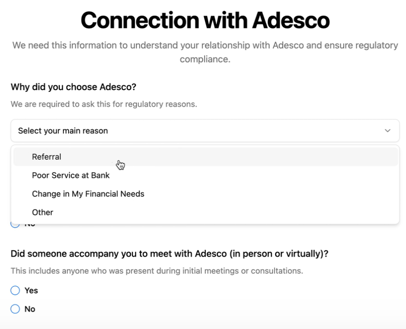
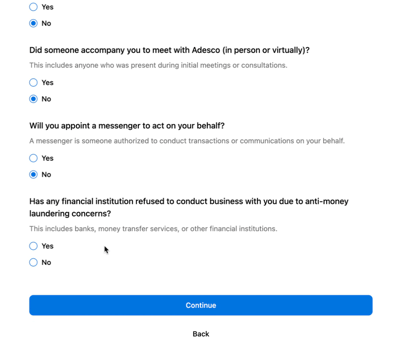
Step 5: Provide Additional Compliance Information
- Add any extra compliance details, such as your connection to Adesco.
- Click Continue.
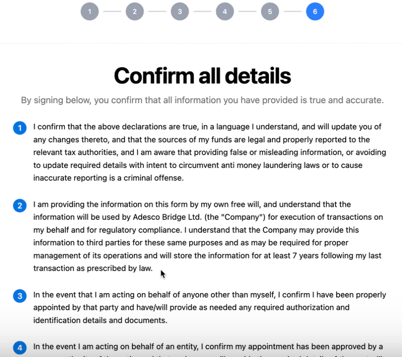
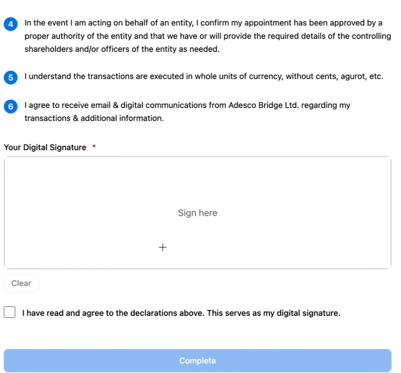
Step 6: Review and Sign Terms
- Read the Terms of Service carefully.
- Sign with a digital signature.
- Click Complete to finish the process.
What's next?
That’s it! You have successfully registered an account with Adesco.
Now you need to get your account approved by uploading your documents
Next steps: Set up your Adesco account